Change Git account
I have a couple post about Github/Bit/Bitbucket features, for example.
- (2016) Publish branch to Github from Linux
- (2020) Up and runnig private GIT server with GUI
- (2020) How to publish VS project templates to Github and Visual Studio Marketplace
- (2023) How to receive SSH key in order to use GitHub/GitLab
What problem with Github? Problem that Microsoft fully ignored you Http-login:
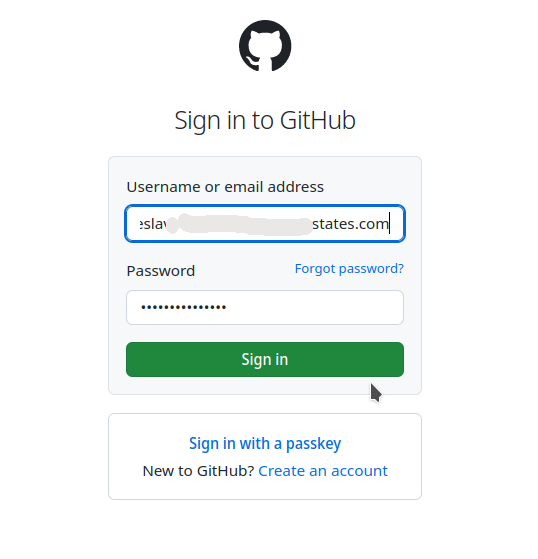
and always wants invasion to your privacy and always want to spy from you.
And next problem that fucking Microsoft time on time can suspend your account unexpectedly.
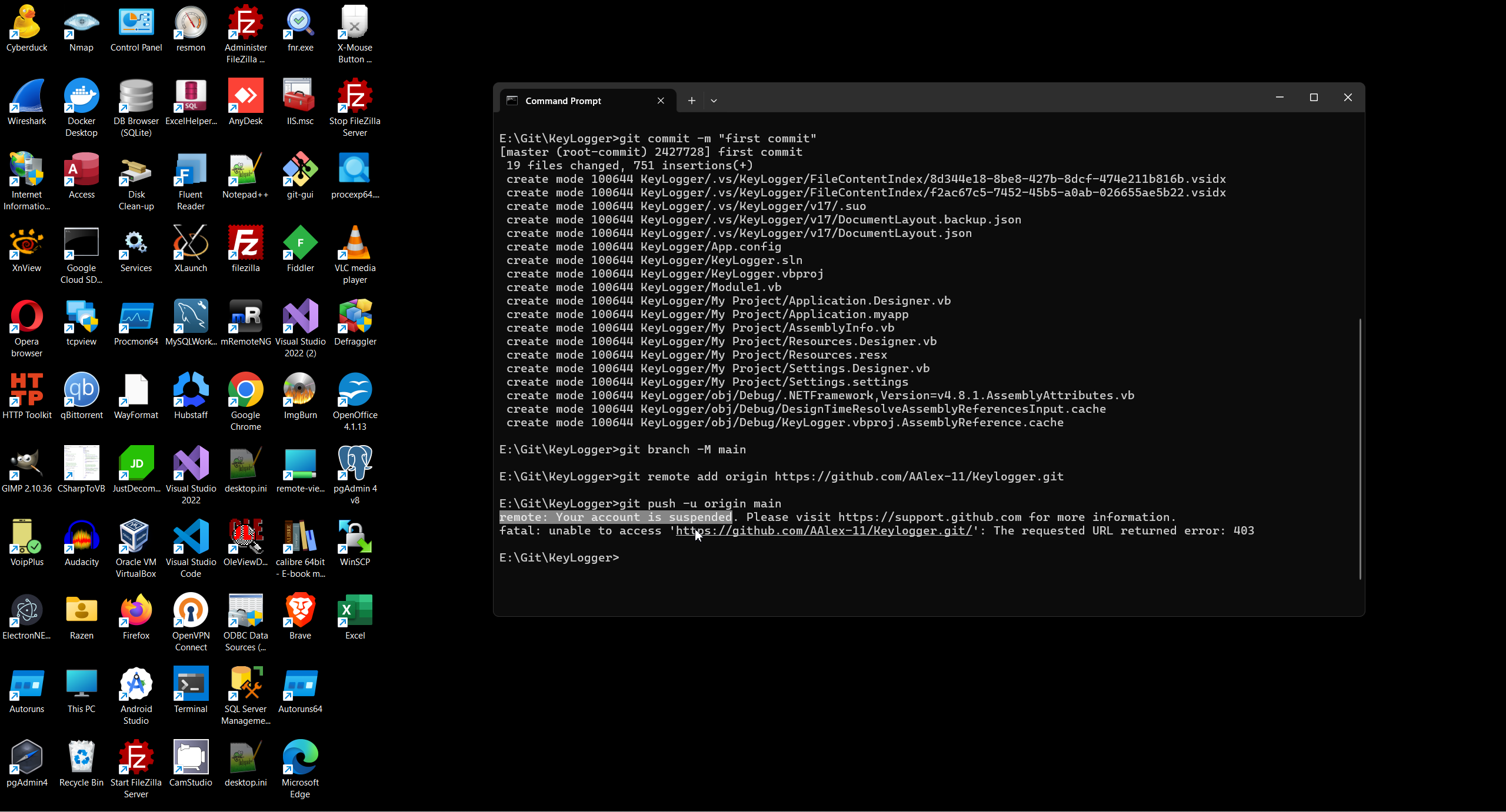
If you don't kinds of idiot you may thinking only about protection himself from spying and any new project you must use brand new account. For understand Microsoft game you need to understand that MS used two different AU - by Http and by SSH.
But firstly you need to understand what Microsoft thinking about you currently.
# ssh -T git@github.com
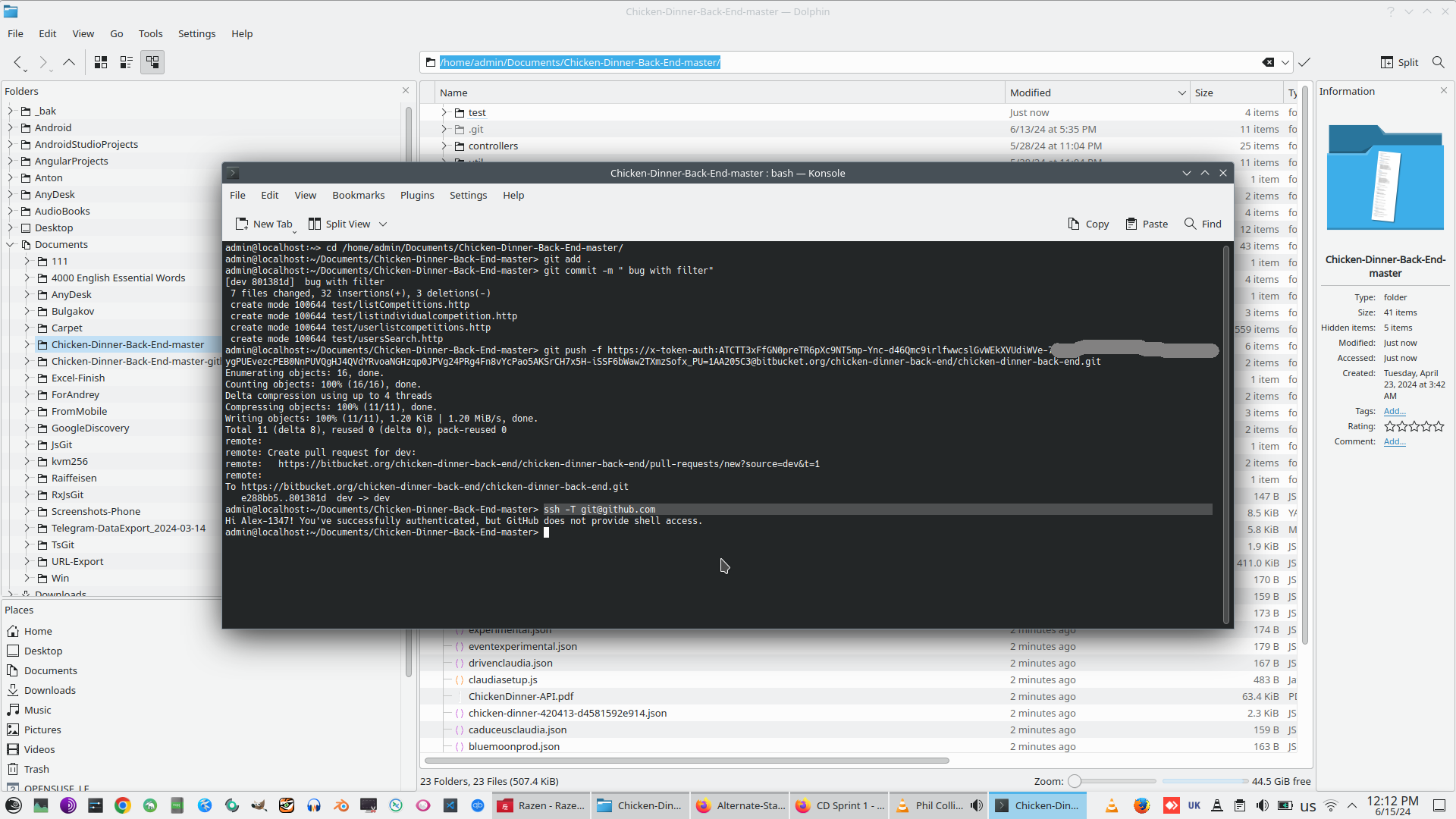
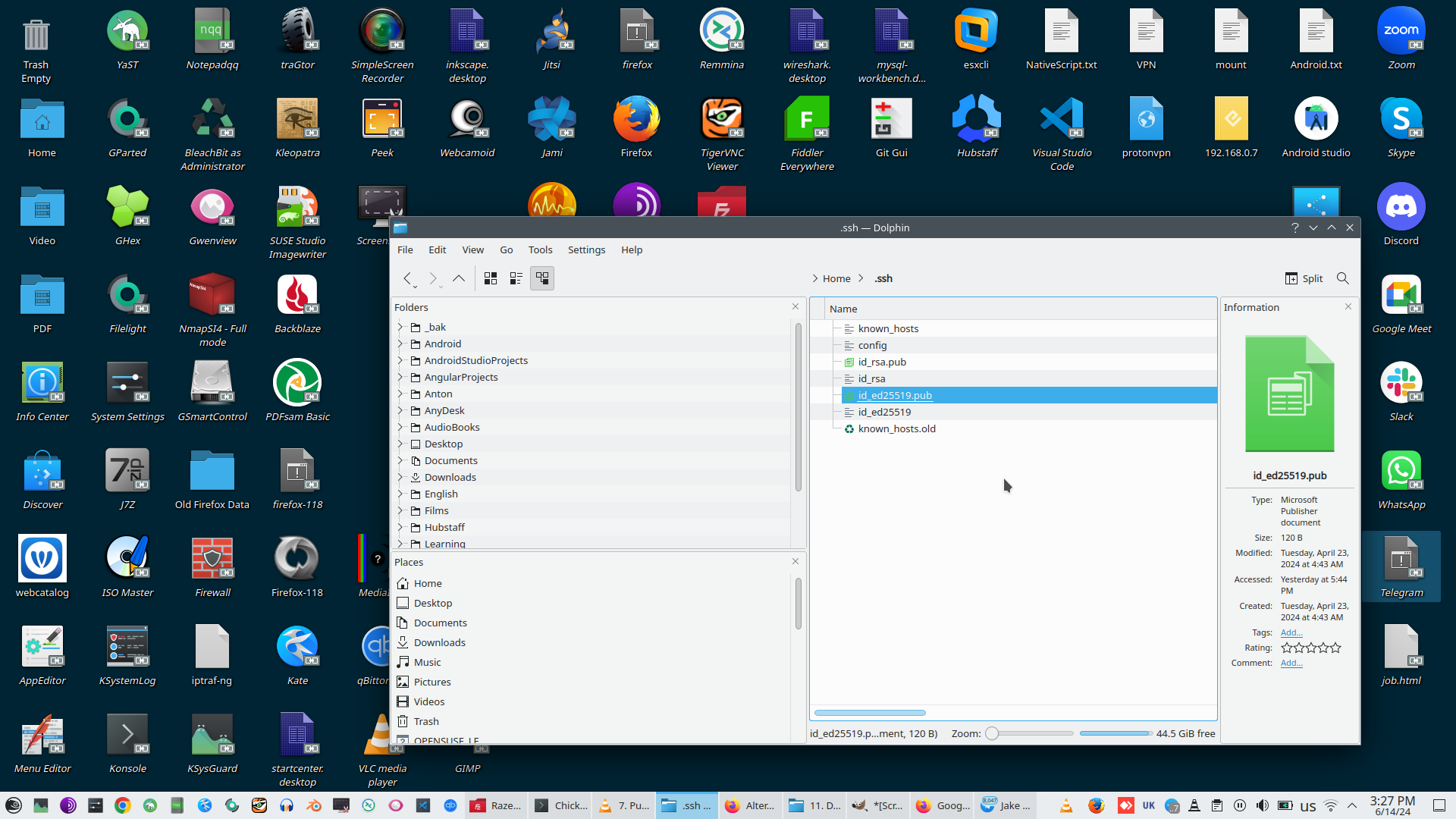
You need to go to Github and delete you existing SSH-key.
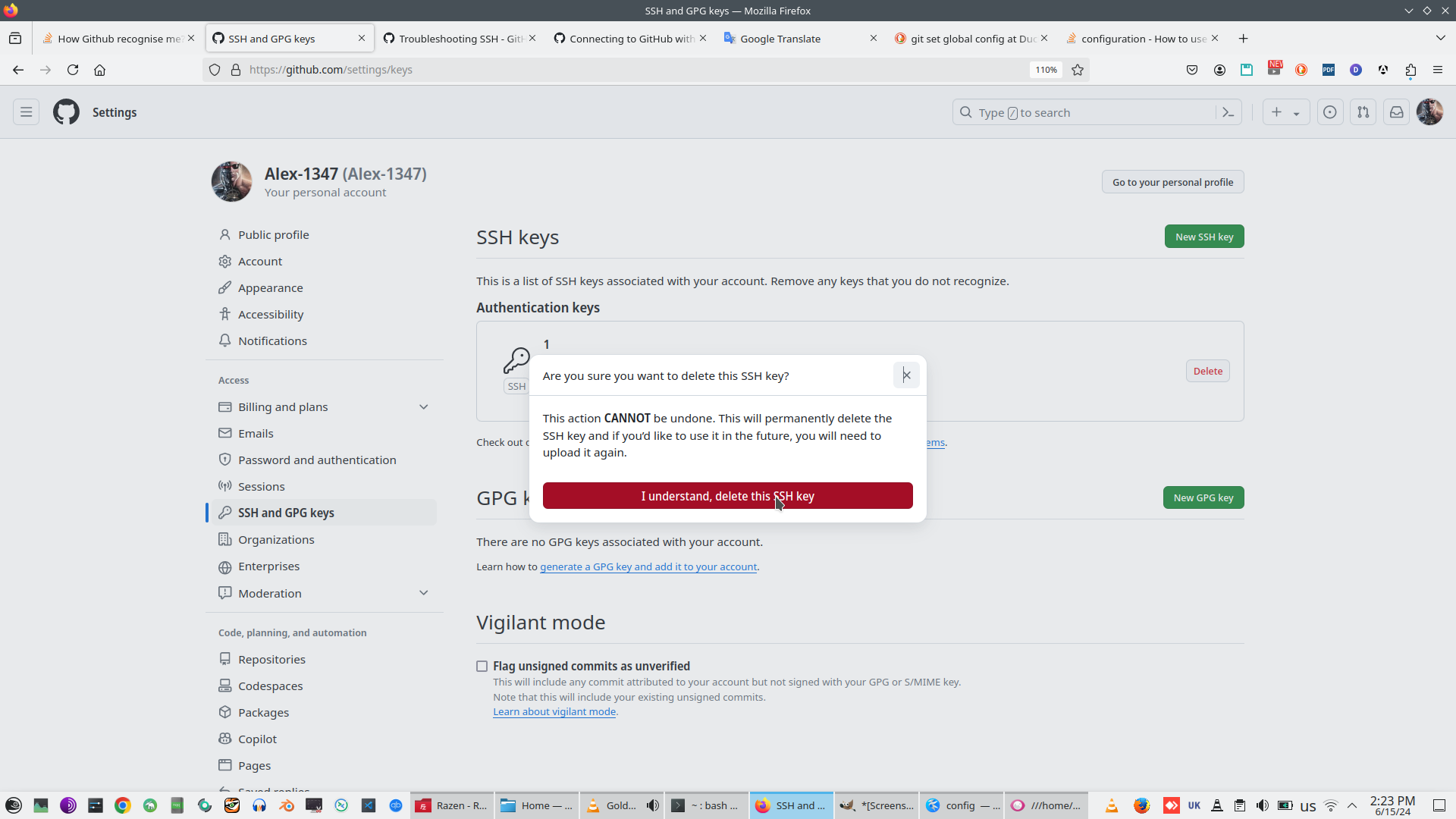
Than you need to Generate new SSH-key
# ssh-keygen -t ed25519 -C "EMAIL-what-you-want-to-use-as-Github-login"

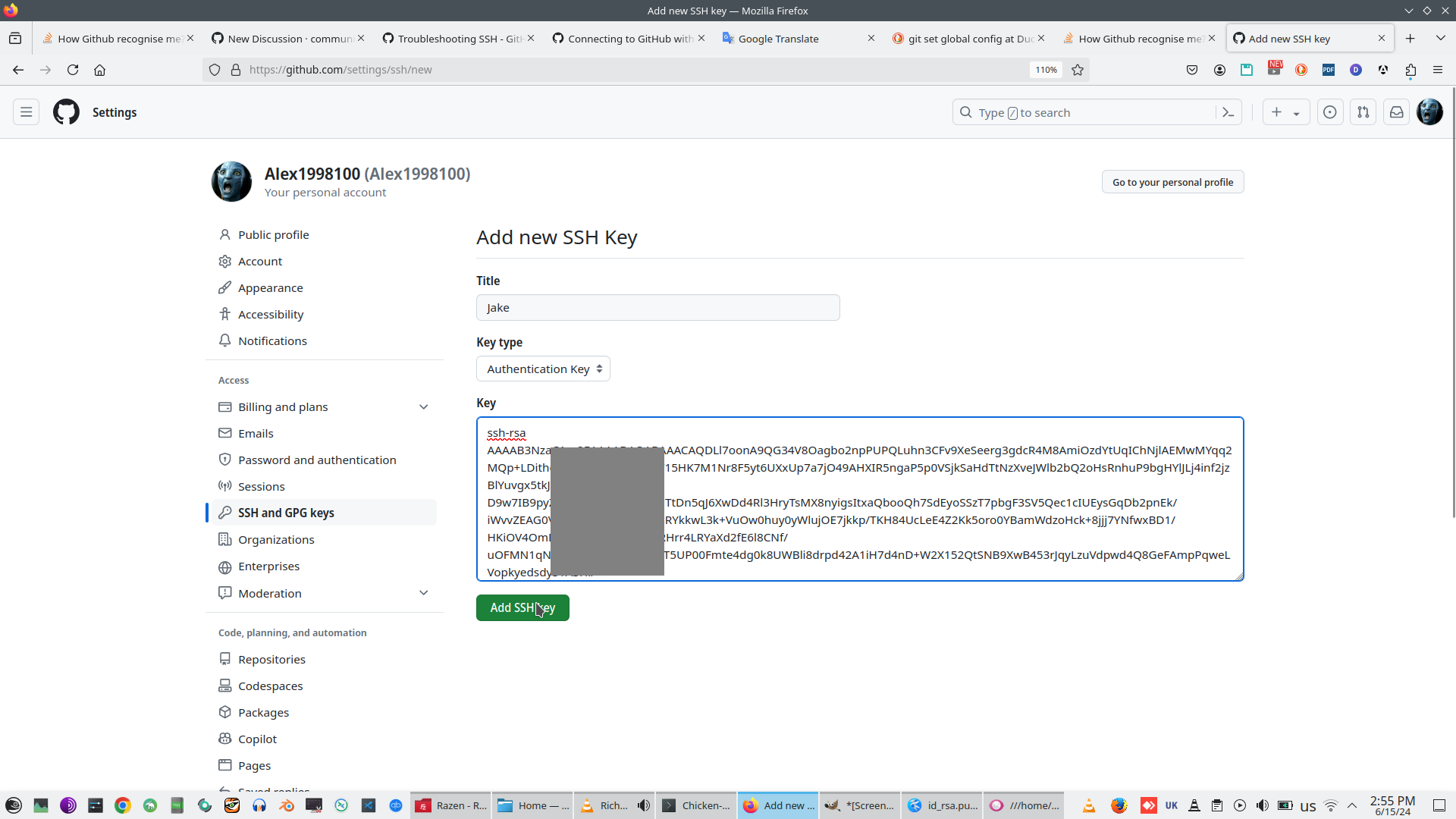
Only than you add new key to your new account
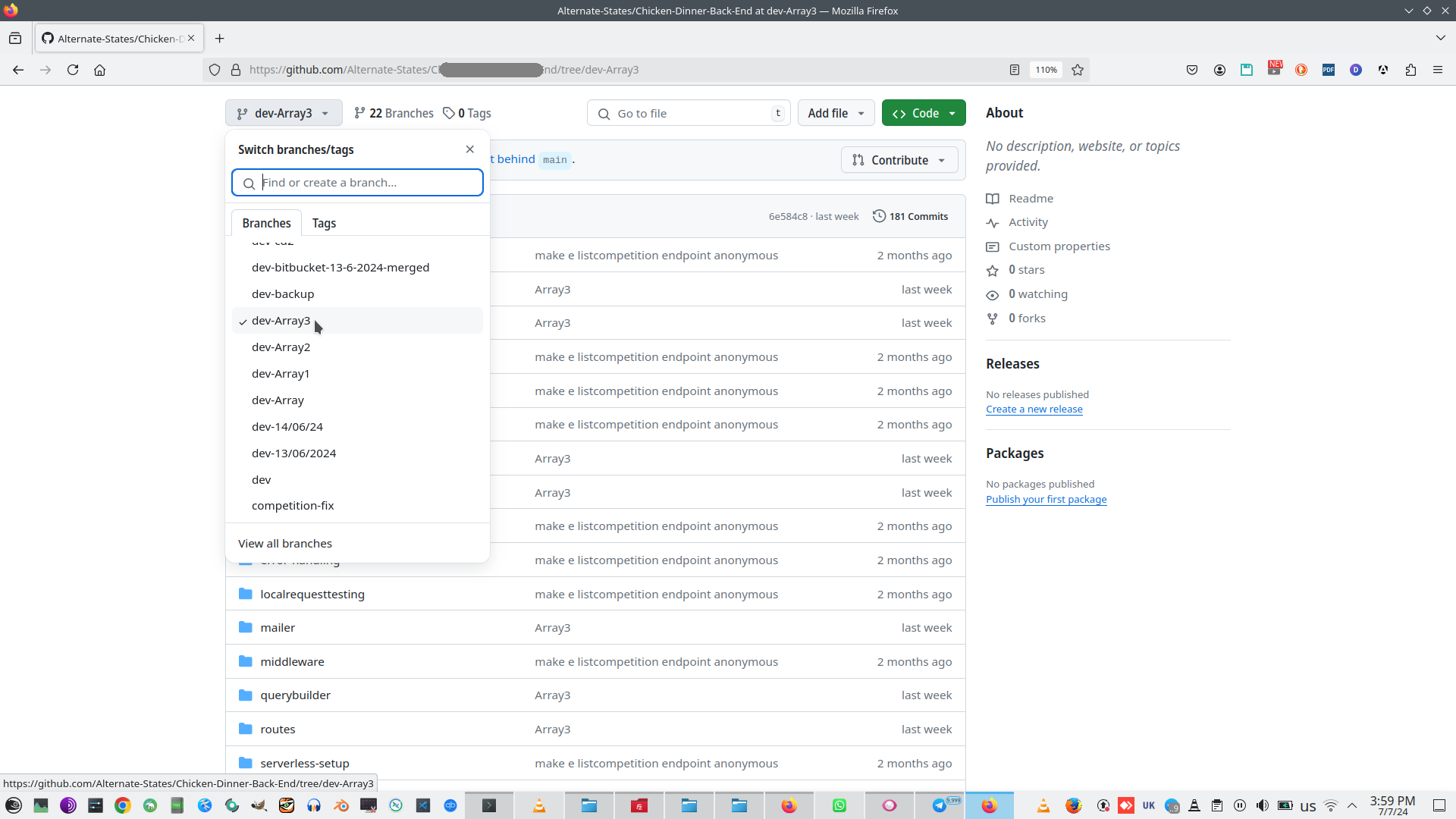
And than, as usually (in this case I read dev branch and create new branch dev-Array3:
# git remote add origin git@github.com:xxxxxxxxxx/yyyyyyyyyy.git
# git clone -b dev ~/Documents/zzzzzzzzzzzzzz
# git add .
# git branch -M dev-Array3
# git commit -m "Array3"
# git push --force git@github.com:xxxxxxxxxx/yyyyyyyyyy.git
Git context:
Privacy context:
 )
)
|
|