Up and running Dnsmasq service.
Dnsmasq is mandatory service to any gateway and can be used to any purposes:
- if you want to connect desktop computer without WIFI to internet through Laptop with WIFI,
- if you want block some internet resources (or redirect request to another resources),
- if you want to full control (log and tracing) what you computer doing
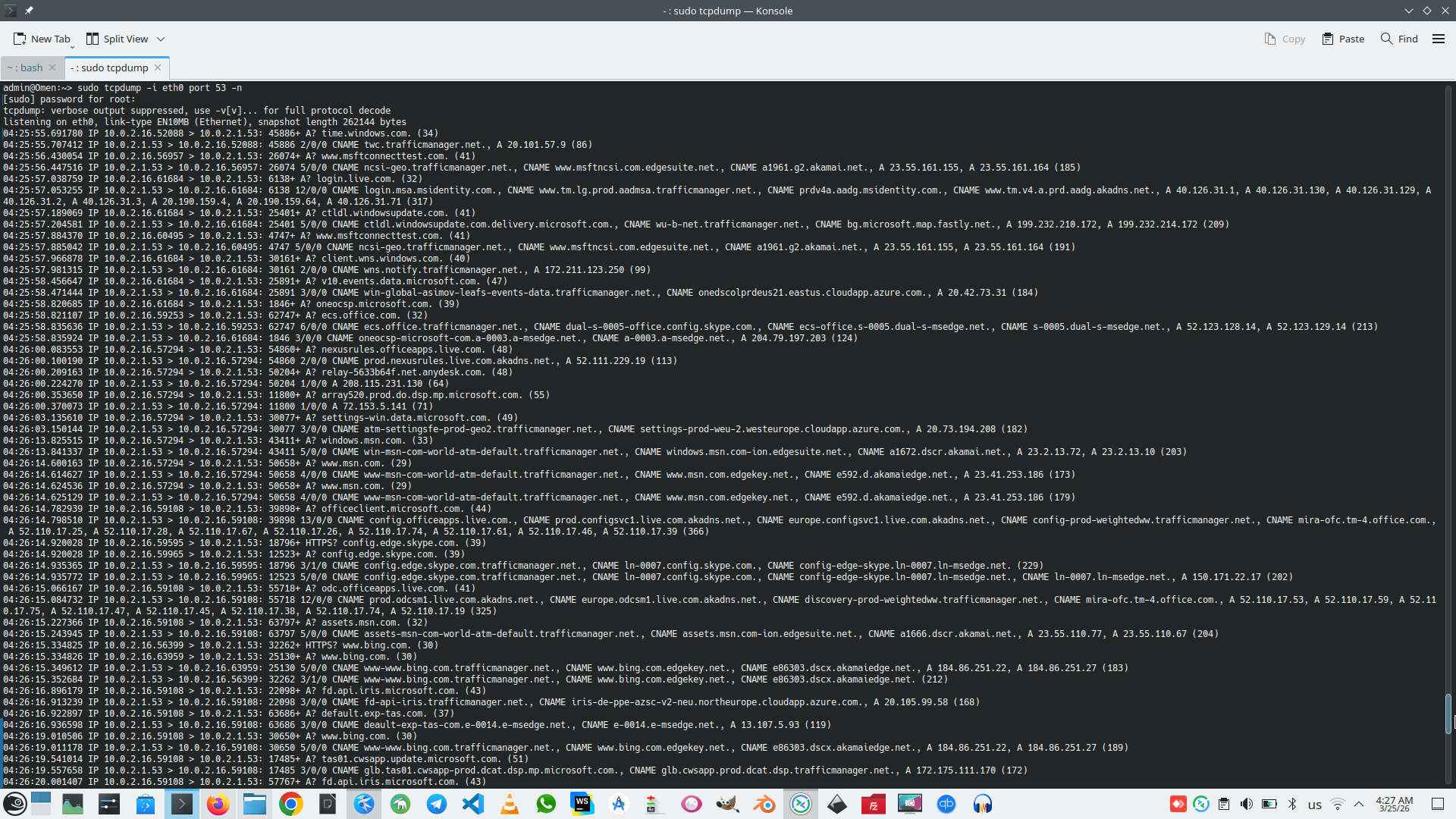
Computer with DNS Masquerading need two network interface. In my case I have WIFI external interface with IP 192.168.178.101 and internal interface 10.0.2.1 in that I will provide DNS Masquerading.
So first step is switch Linux machine to router mode (set up global IpForwarding between interface).
# sudo sysctl -w net.ipv4.ip_forward=1
# sudo sysctl net.ipv4.ip_forward
# cat /etc/sysctl.d/99-ipforward.conf
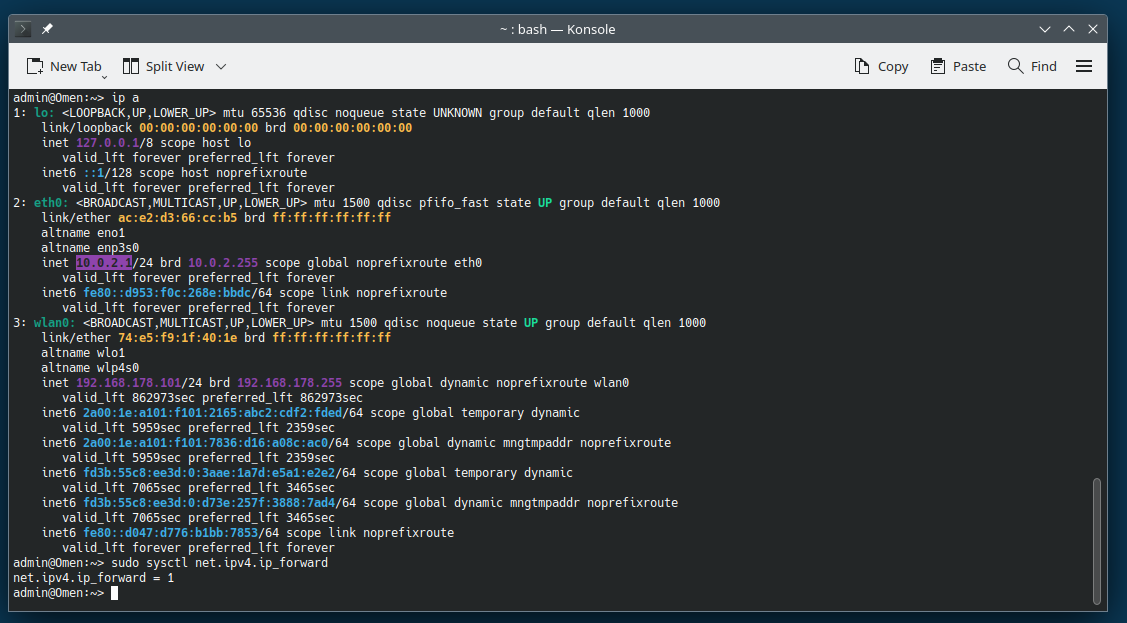
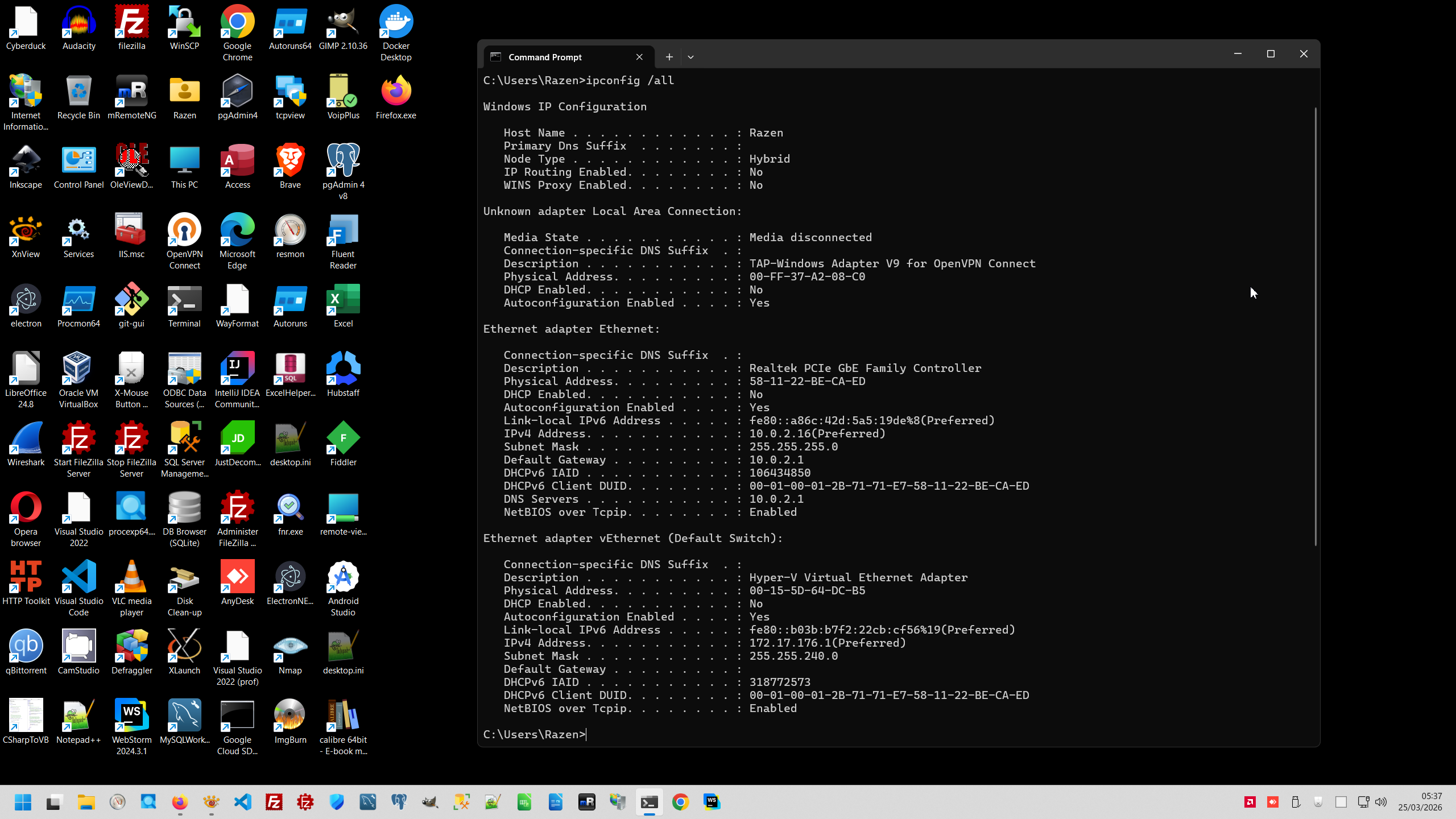
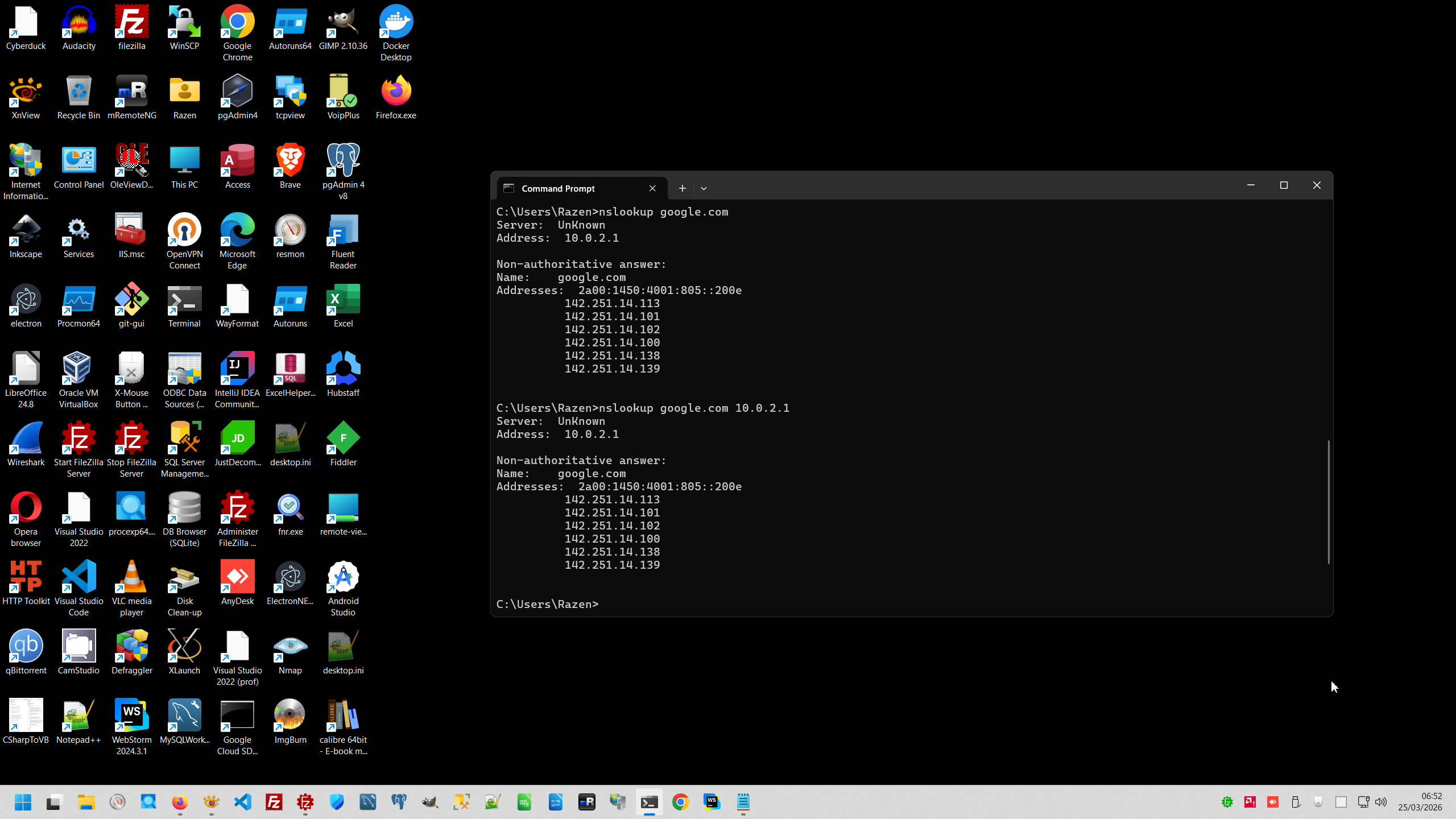
This one simple setting allow other computer with IP address 10.0.2.1/24 use interface eth0 as gateway, but DNS resolver in network 10.0.2.1/24 still not working, despite we set up DNS 1.1.1.1 and 8.8.8.8 in computers on 10.0.2.1/24.
Our goal is setup DNS in network 10.0.2.1/24 as 10.0.2.1 and DNS must be working:
For provide this we must install dnsmasq service on Linux geteway machine:
# sudo zypper install dnsmasq
Final goal of tuning this service is manage this service as any other Linux services.
# sudo systemctl restart dns-forwarder
# sudo systemctl enable dns-forwarder
# systemctl --type=service --state=running
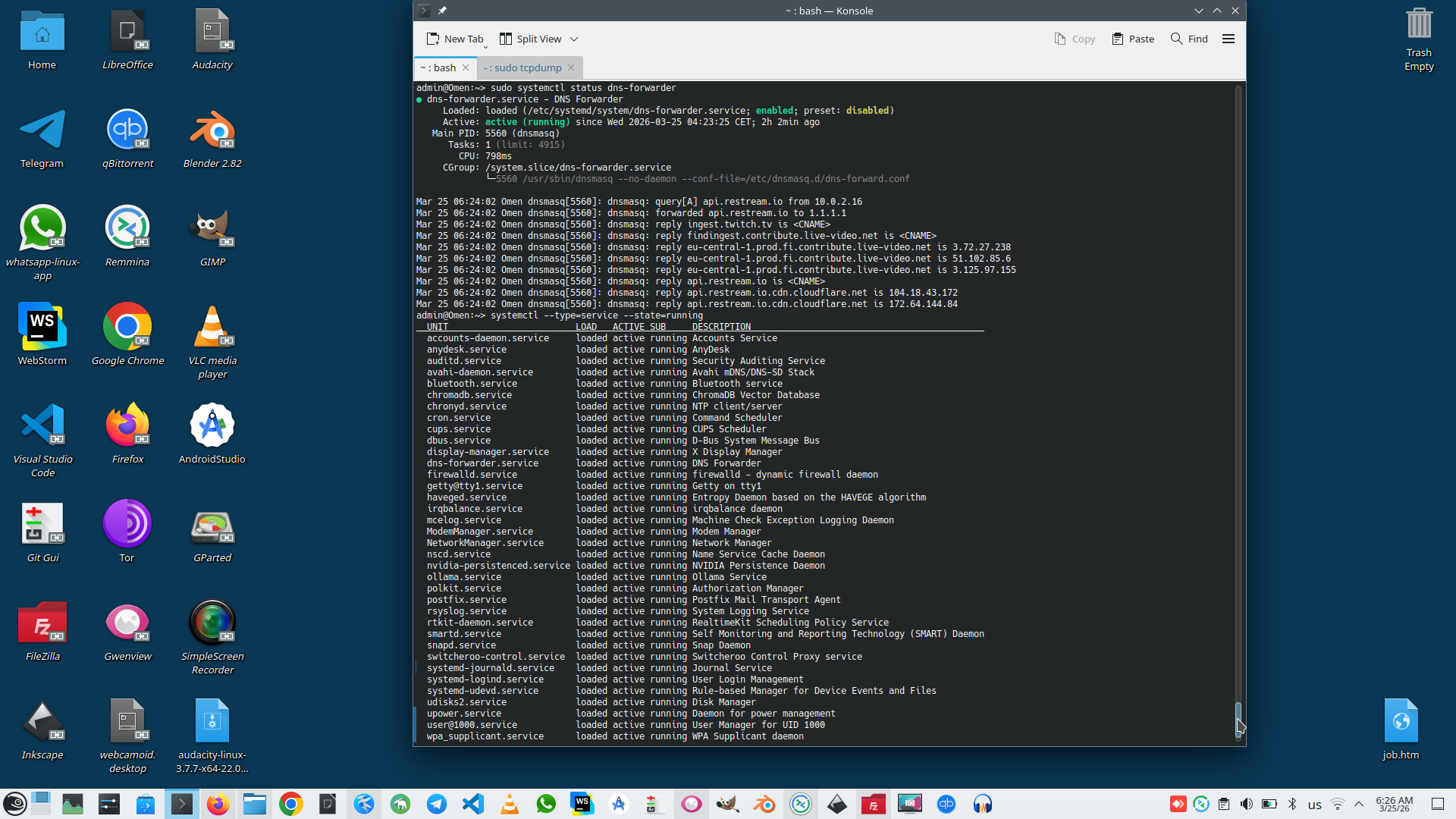
Problem that Dnsmasq service has huge config and can working as daemon and foreground service. Also Dnsmasq service can start in command line something like this:
# sudo dnsmasq --no-daemon --conf-file=/etc/dnsmasq.d/dns-forward.conf --log-debug 2>&1 | head -20
This way allow to tune Dnsmasq service configuration. As default configuration is huge. I don't need configuration to thousand lines, for my gateway I have prepared simple configuration.
# cat /etc/dnsmasq.d/dns-forward.conf
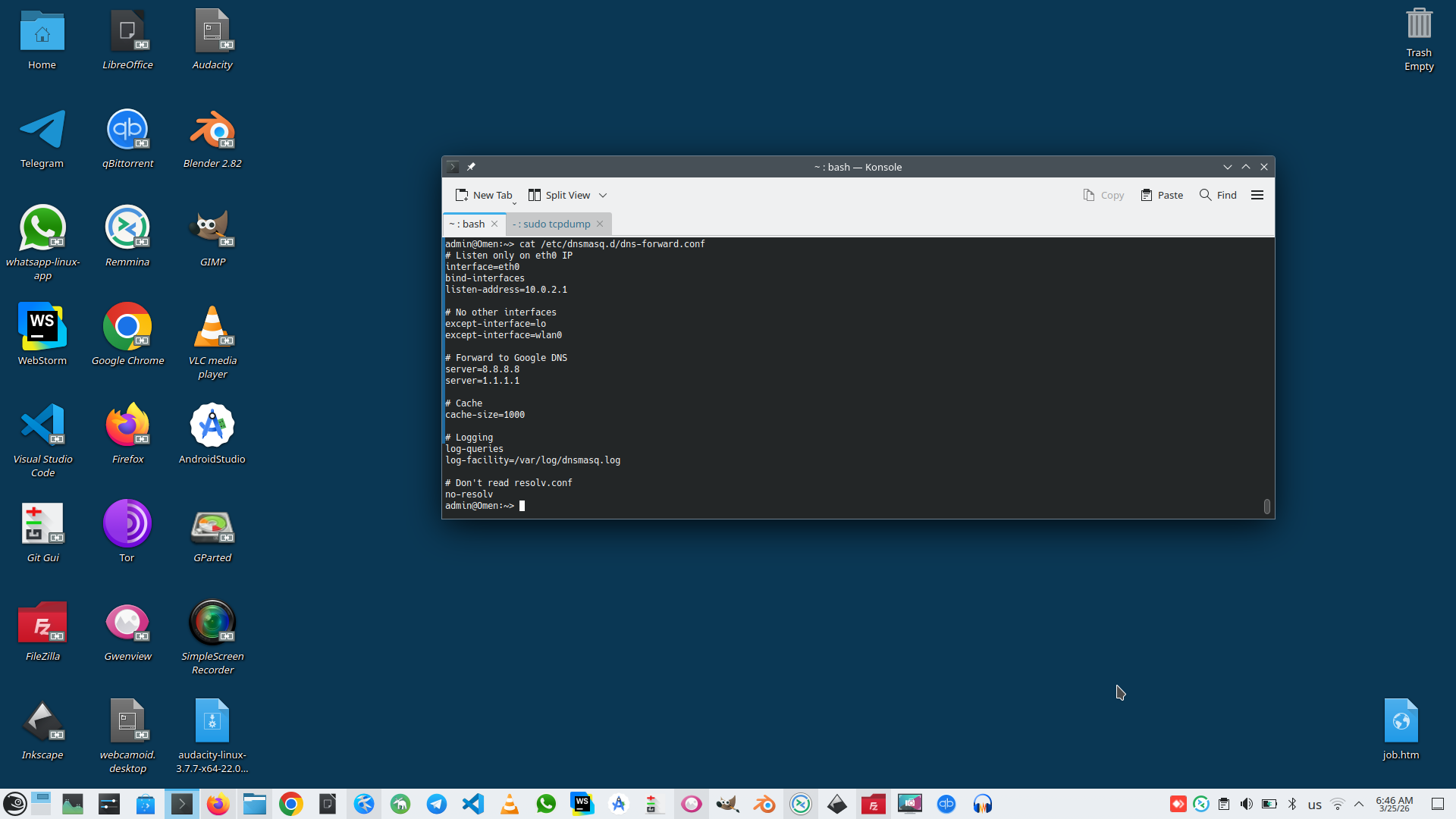
This configuration means that service working as foregraund service and handle DNS request only on my gateway to my internal network 10.0.2.1
But to provice this service workable we need to doing a number of condition.
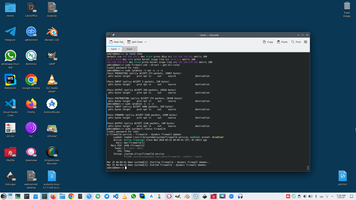
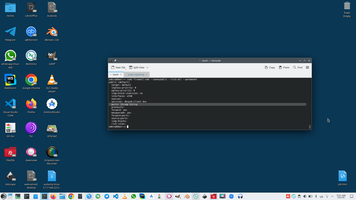
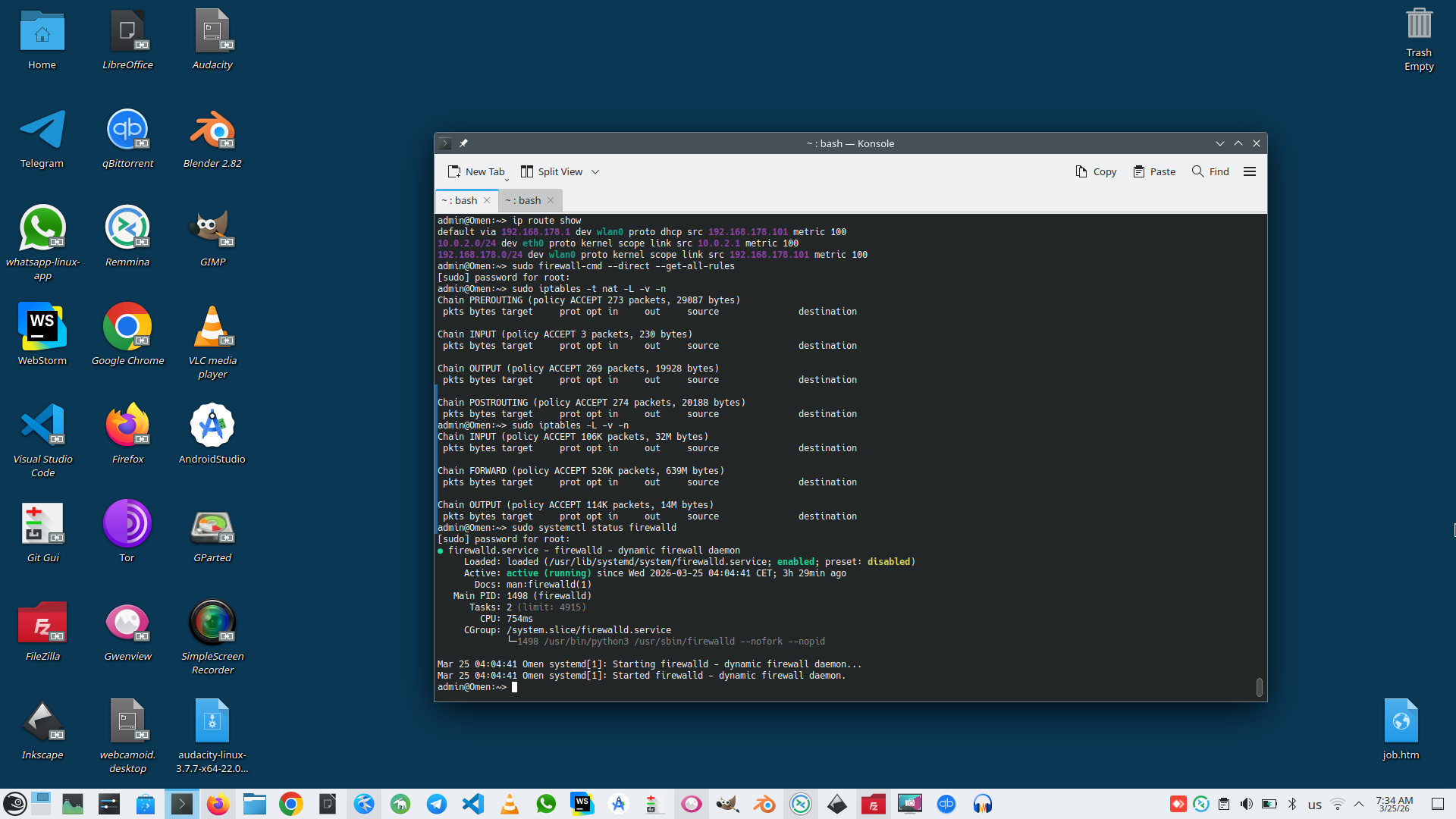
- We need to provide correct IpTable and NAT rules in Linux Firewall.
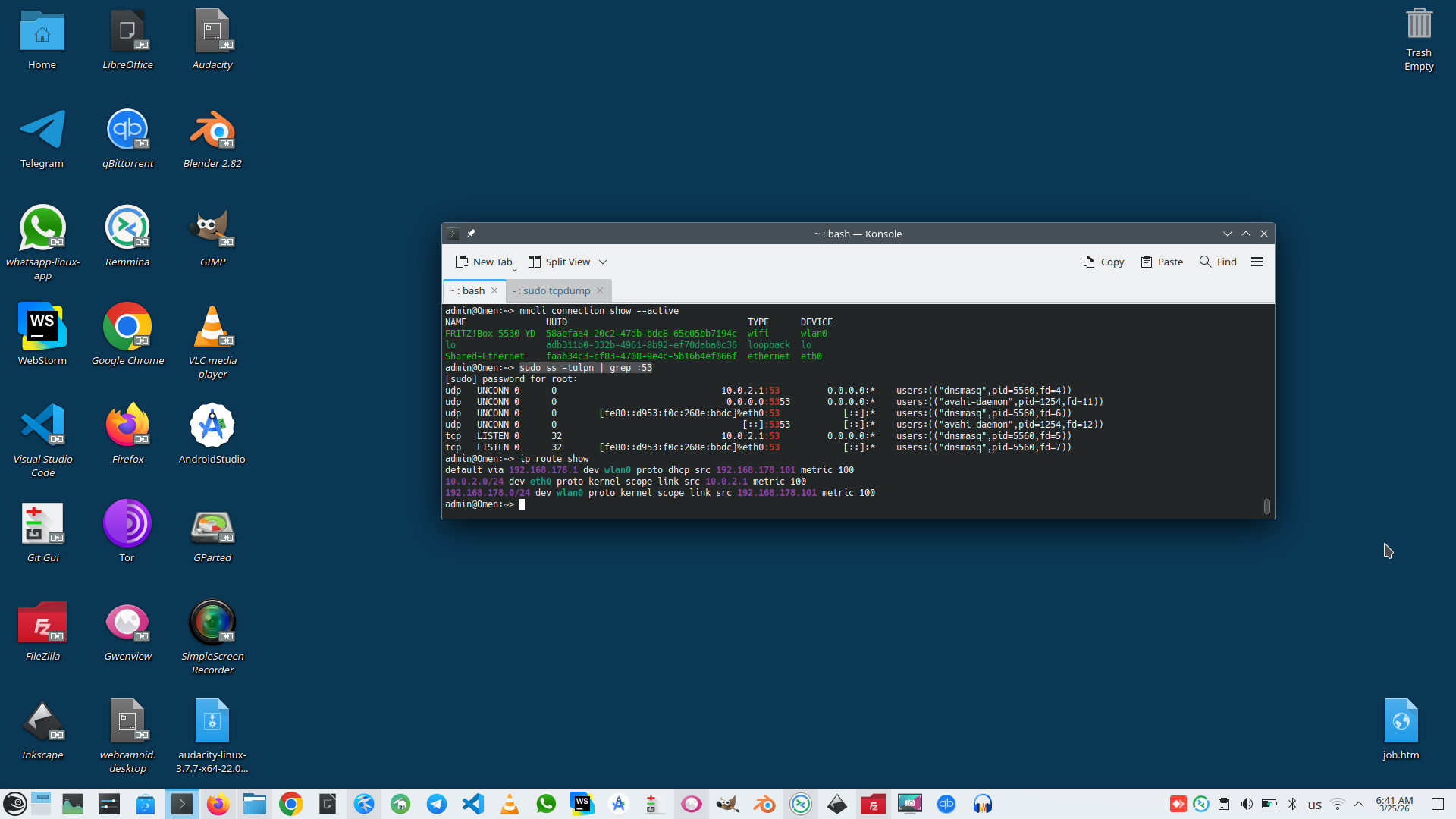
# ip route show
# sudo firewall-cmd --direct --get-all-rules
-
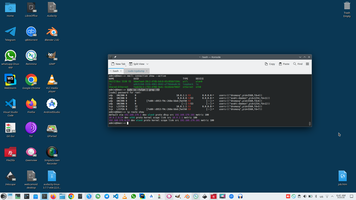
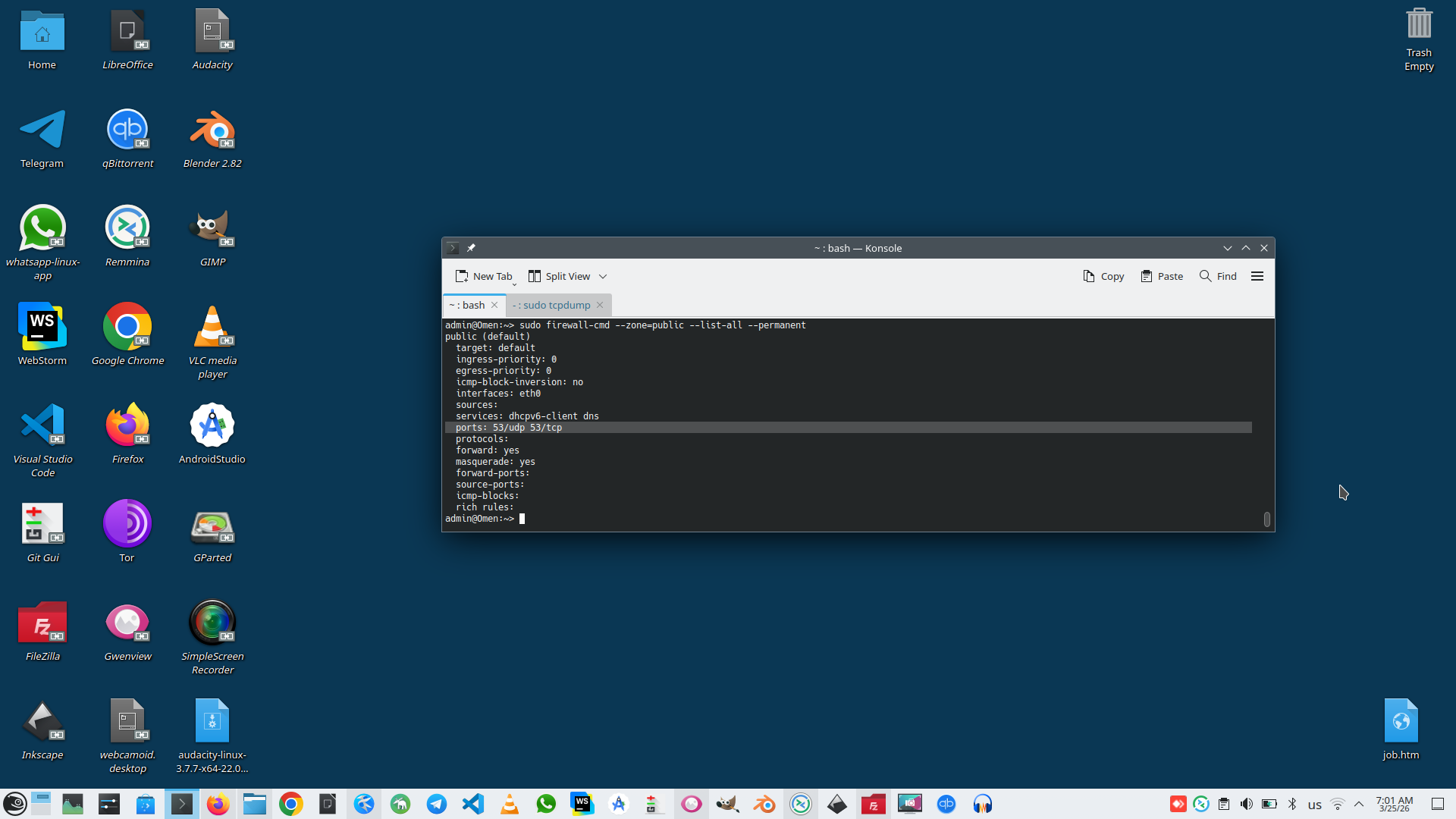
We need to provide opened port 53 in Linux Gateway and provide that only one service listen this port, this is correct output:
# sudo ss -tulpn | grep :53
# sudo firewall-cmd --zone=public --list-all --permanent
-
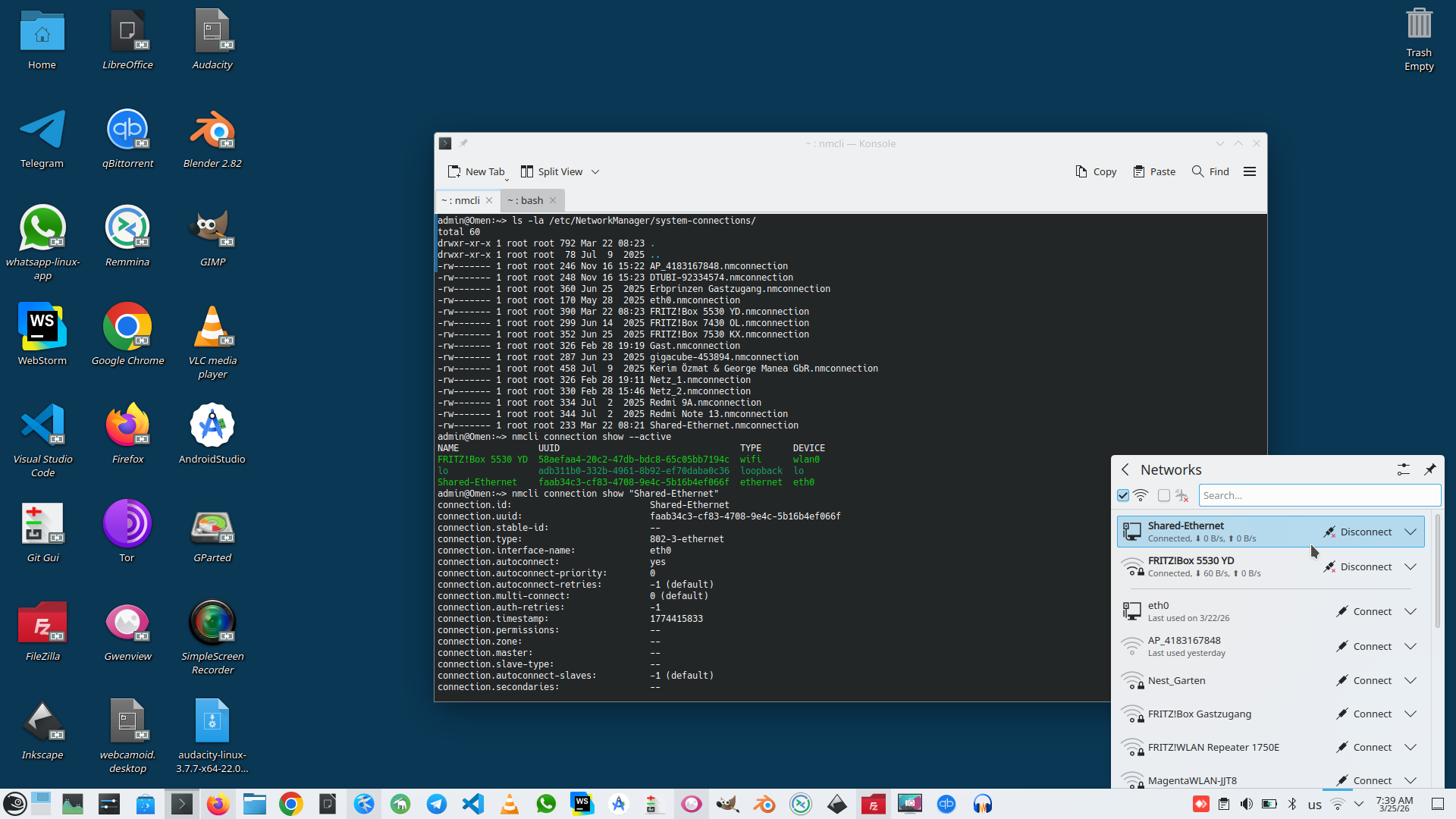
To working clearly with my network interfaces I have provided permanent name and IP for my network interfaces.
# nmcli connection show --active
# ls -la /etc/NetworkManager/system-connections/
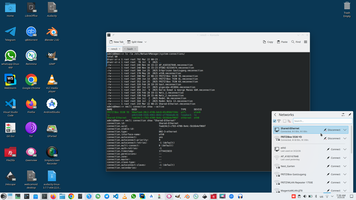
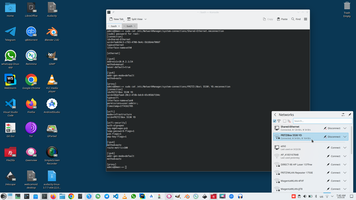
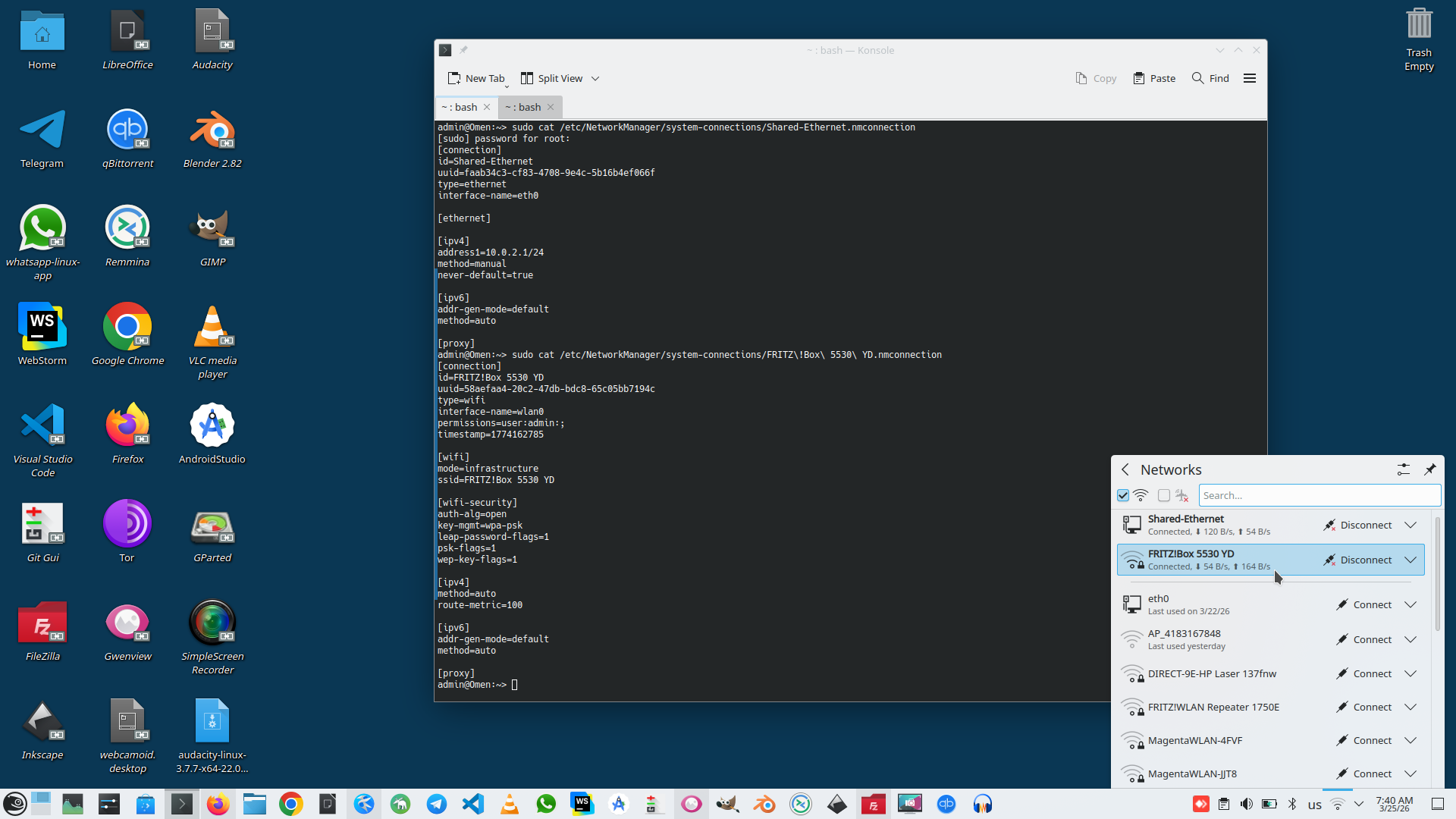
To reach this I made a number of commands to control firewall, NAT, and network interfaces:
# Create permanent connection called "Shared-Ethernet"
# sudo nmcli connection add type ethernet \
  con-name "Shared-Ethernet" \
  ifname eth0 \
  ipv4.method manual \
  ipv4.addresses 10.0.2.1/24 \
  ipv4.gateway "" \
  ipv4.never-default yes
#
# For WIFI connection I need to setup metric, this is marker that this is Gateway interface for my Linux computer.
# sudo nmcli connection modify 'FRITZ!Box 5530 YD' ipv4.route-metric 100
#
# Added eth0 to public zone
# sudo firewall-cmd --zone=public --add-interface=eth0 --permanent
#
# Allowed DNS service
# sudo firewall-cmd --zone=public --add-service=dns --permanent
#
# Opened port 53 explicitly
# sudo firewall-cmd --zone=public --add-port=53/udp --permanent
# sudo firewall-cmd --zone=public --add-port=53/tcp --permanent
#
# Enabled masquerading (NAT) for internet sharing
# sudo firewall-cmd --zone=public --add-masquerade --permanent
#
# Reloaded firewalld to apply changes
# sudo firewall-cmd --reload
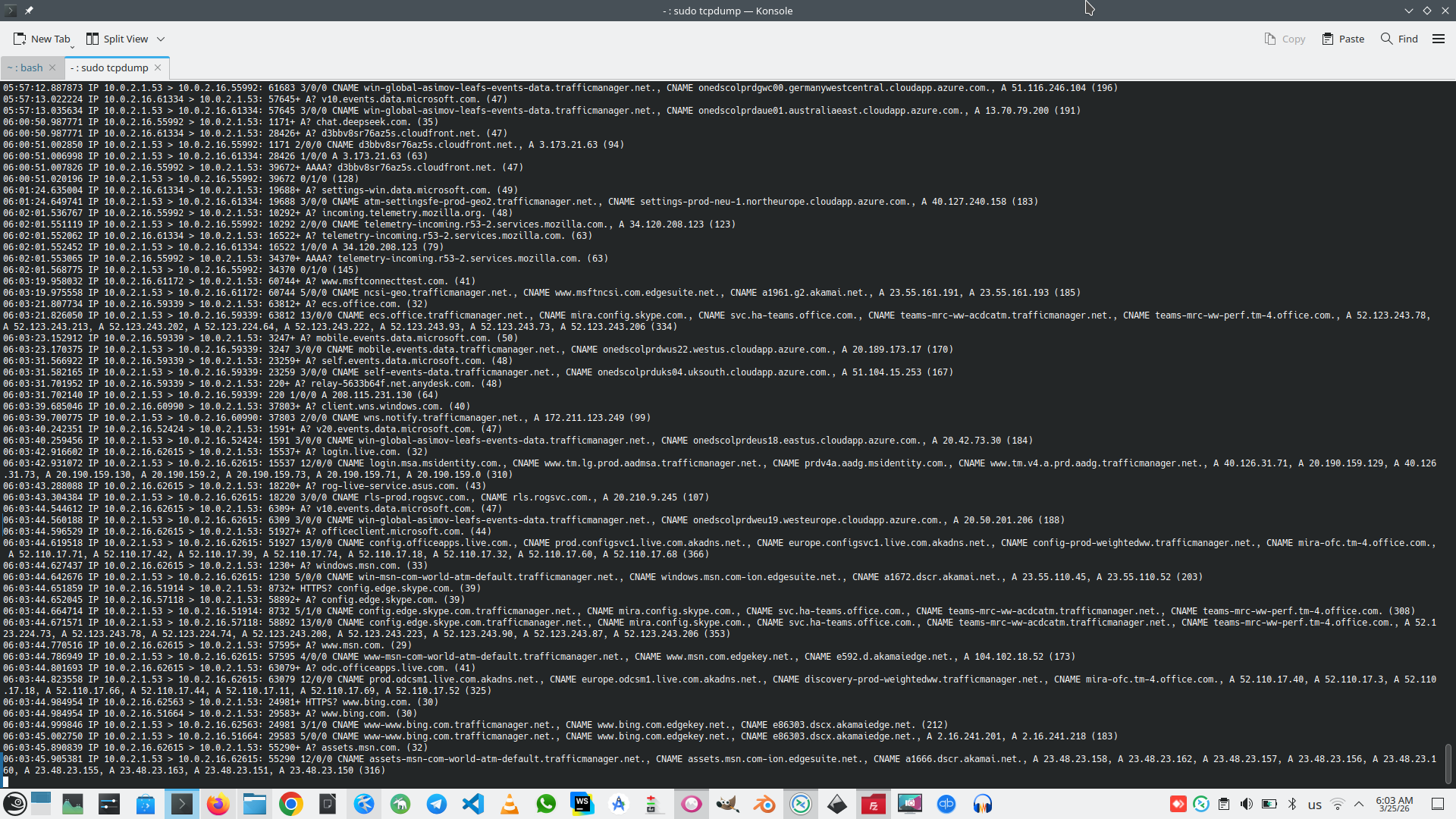
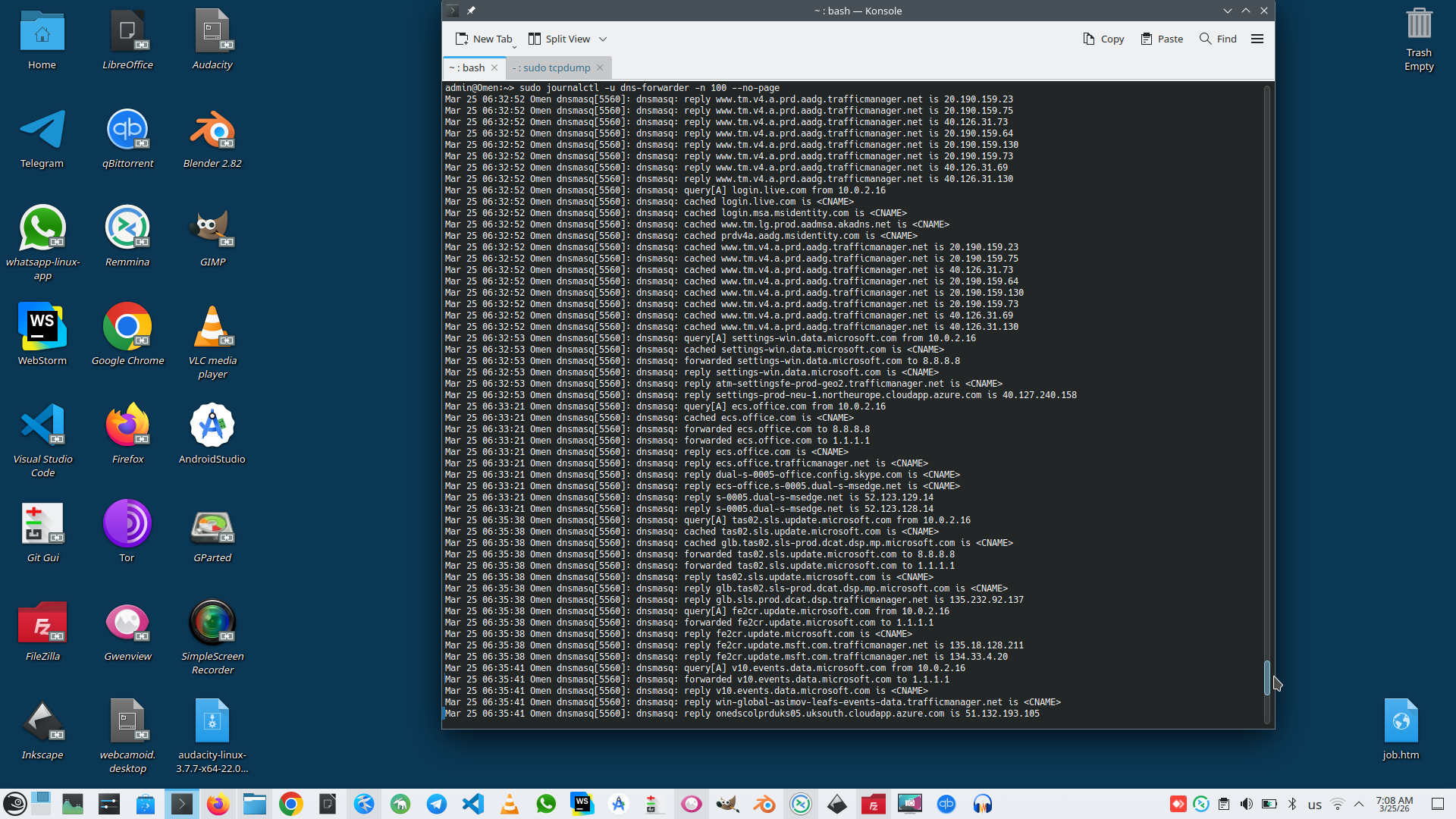
And WOW! This is result of workable service:
# sudo tcpdump -i eth0 port 53 -n
# sudo journalctl -u dns-forwarder -n 100 --no-pager
Linux context:
 )
)
|
|