Export Deepseek conversation from IndexedDB to clear JSON file to build own history request and full text search.
I use Deepseek as assistant very ofter, but time on times question repeated, for example I forgot how to start Firefox with another profile in Linux, do I need parameter "-P", how many chars "-" I need before profile name, and so on. Each programmer every day use thisand of various commands, of course nobody can remember all syntax, all parameters, all formats.
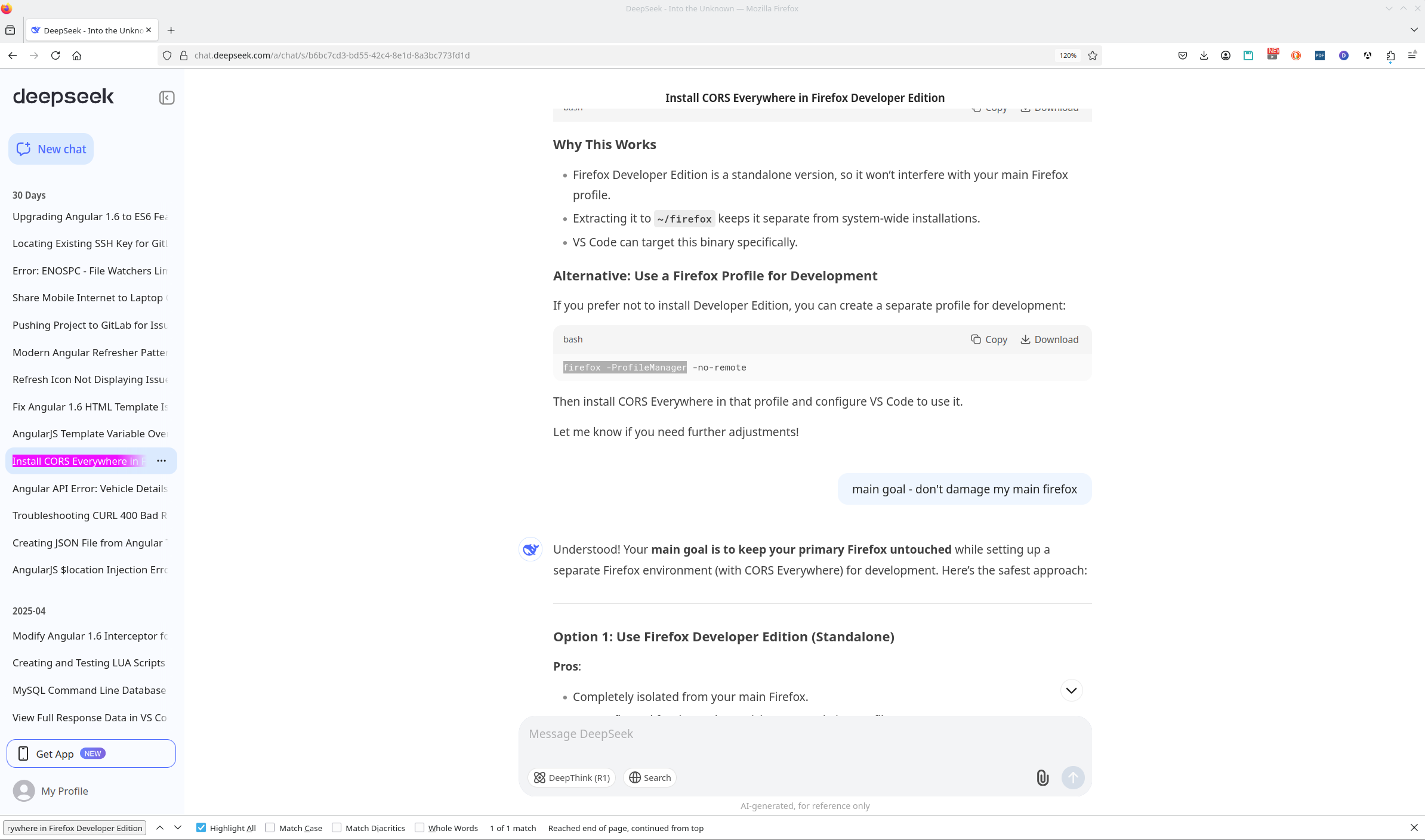
But currently Deepseek has no opportunity to full text search across all answer, something like this.
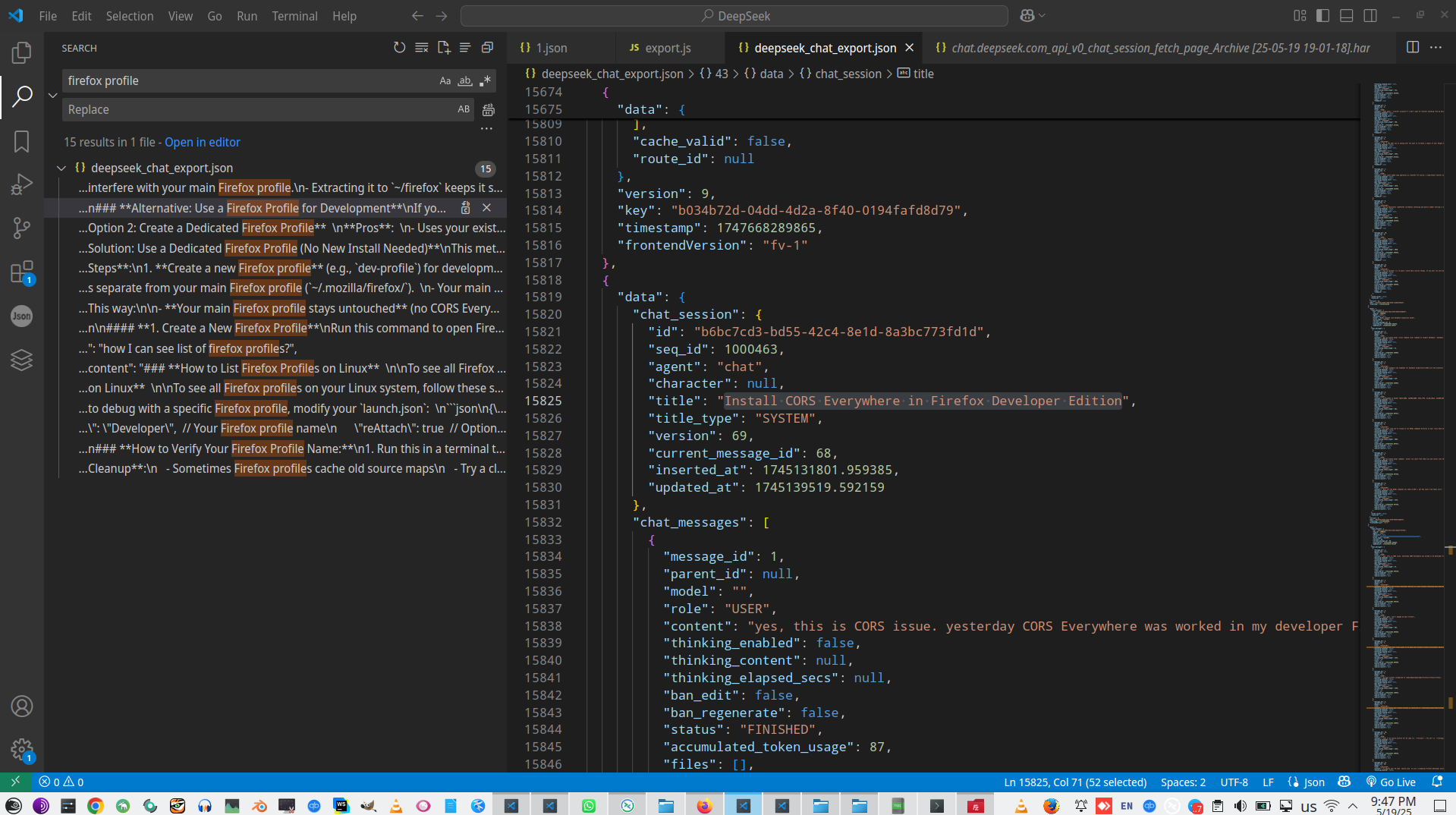
I take a look to request to Deepseek API, and understand, that server contains only title of each conversation.
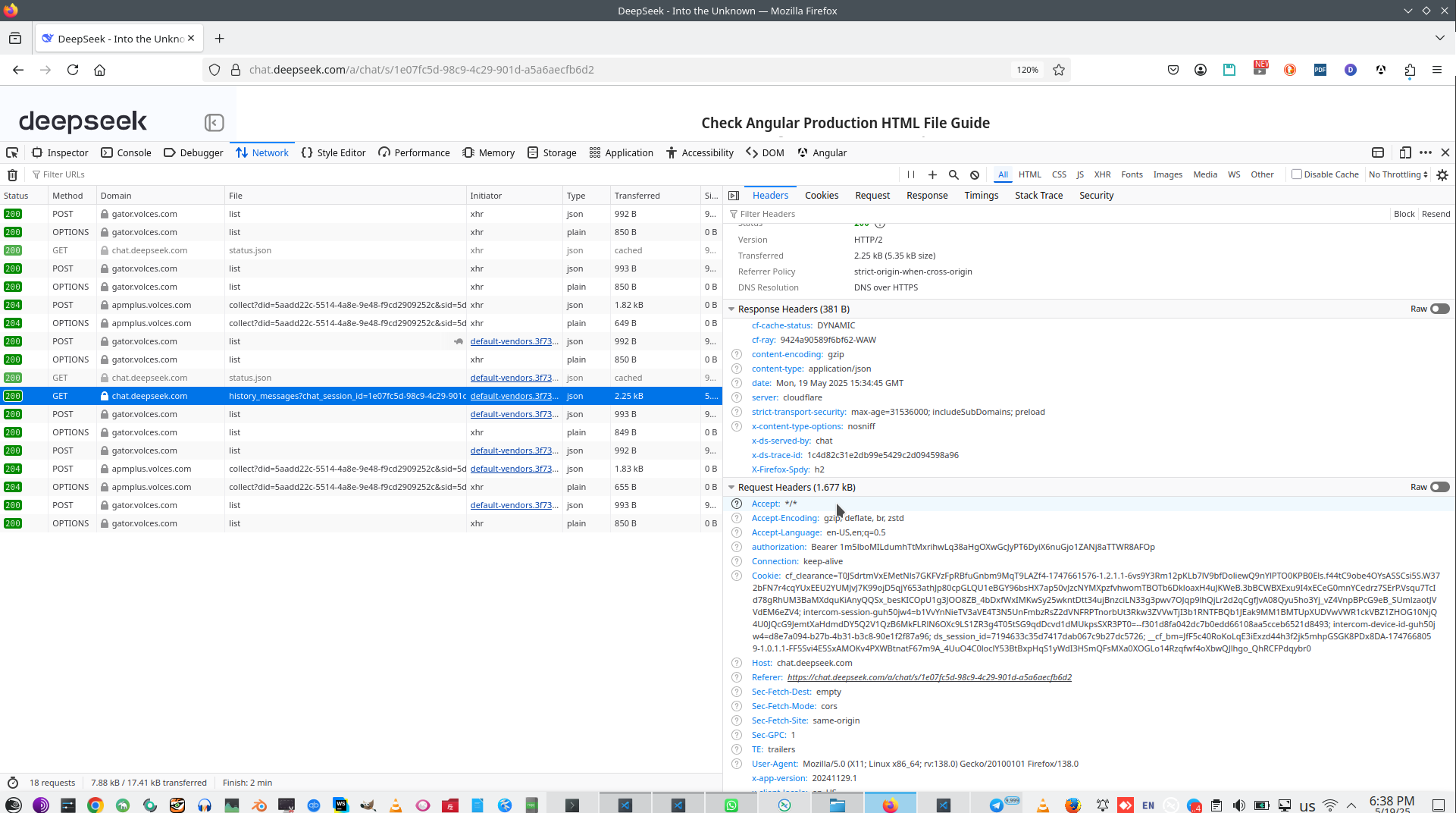
But where is full conversation history? After quick search I found conversation in browser Indexed DB.

And next simple question - how to make dump this database and use it for full text searhing for more quick access to questions I asked before.
So, this is very simple script what export Indexed DB to plain Json file.
1:
2: const dbName = "deepseek-chat"; // Check in DevTools → Application → IndexedDB
3: const storeName = "history-message";
4:
5: // Open the database
6: const request = indexedDB.open(dbName);
7: request.onerror = (e) => console.error("Error opening DB:", e.target.error);
8: request.onsuccess = (e) => {
9: const db = e.target.result;
10: const tx = db.transaction(storeName, "readonly");
11: const store = tx.objectStore(storeName);
12: const dataRequest = store.getAll();
13:
14: dataRequest.onsuccess = (e) => {
15: const allMessages = e.target.result;
16: const jsonStr = JSON.stringify(allMessages, null, 2);
17:
18: // Create a downloadable JSON file
19: const blob = new Blob([jsonStr], { type: "application/json" });
20: const url = URL.createObjectURL(blob);
21: const a = document.createElement("a");
22: a.href = url;
23: a.download = "deepseek_chat_export.json";
24: a.click();
25: console.log("✔️ File downloaded! Check your downloads folder.");
26: };
27: dataRequest.onerror = (e) => console.error("Error fetching data:", e.target.error);
28: };
29:
And this script allow to show chat with Deepseek as clear text.
1:
2: import { readFile, writeFile } from 'fs';
3: const outputContent = []
4: readFile('deepseek_chat_export.json', 'utf8', (err, data) => {
5: if (err) {
6: console.error('Error reading file:', err);
7: return;
8: }
9:
10: try {
11: const jsonData = JSON.parse(data);
12: jsonData.forEach(item => {
13: outputContent.push(`~~~~~~~~ ${item.data.chat_session.id} ~~~~~~~~~ ${new Date(item.data.chat_session.updated_at * 1000).toLocaleString()} ~~~~~~~~~ ${item.data.chat_session.title} ~~~~~~~~~`)
14: if (item.data && item.data.chat_messages) {
15: item.data.chat_messages.forEach(one => {
16: let type = one.role==="USER" ? "???" : "!!!"
17: outputContent.push(`${type} ${one.content}`)
18: console.log(one.content);
19: });
20: }
21: });
22:
23: } catch (parseErr) {
24: console.error('Error parsing JSON:', parseErr);
25: }
26: writeFile('Messages.txt', outputContent.join('
27:
28: '), 'utf8', (writeErr) => {
29: if (writeErr) console.error('Error writing file:', writeErr);
30: else console.log('Successfully extracted data to extracted_data.txt');
31: });
32: });
33:

Ai context:
Browser context:
 )
)
|
|