Detect damaged memory and prepare USB-stick and SD-card to use
I'm faced with a lot of damaged memory, this is example, instead 512 GB new memory card has only 3,8 GB.
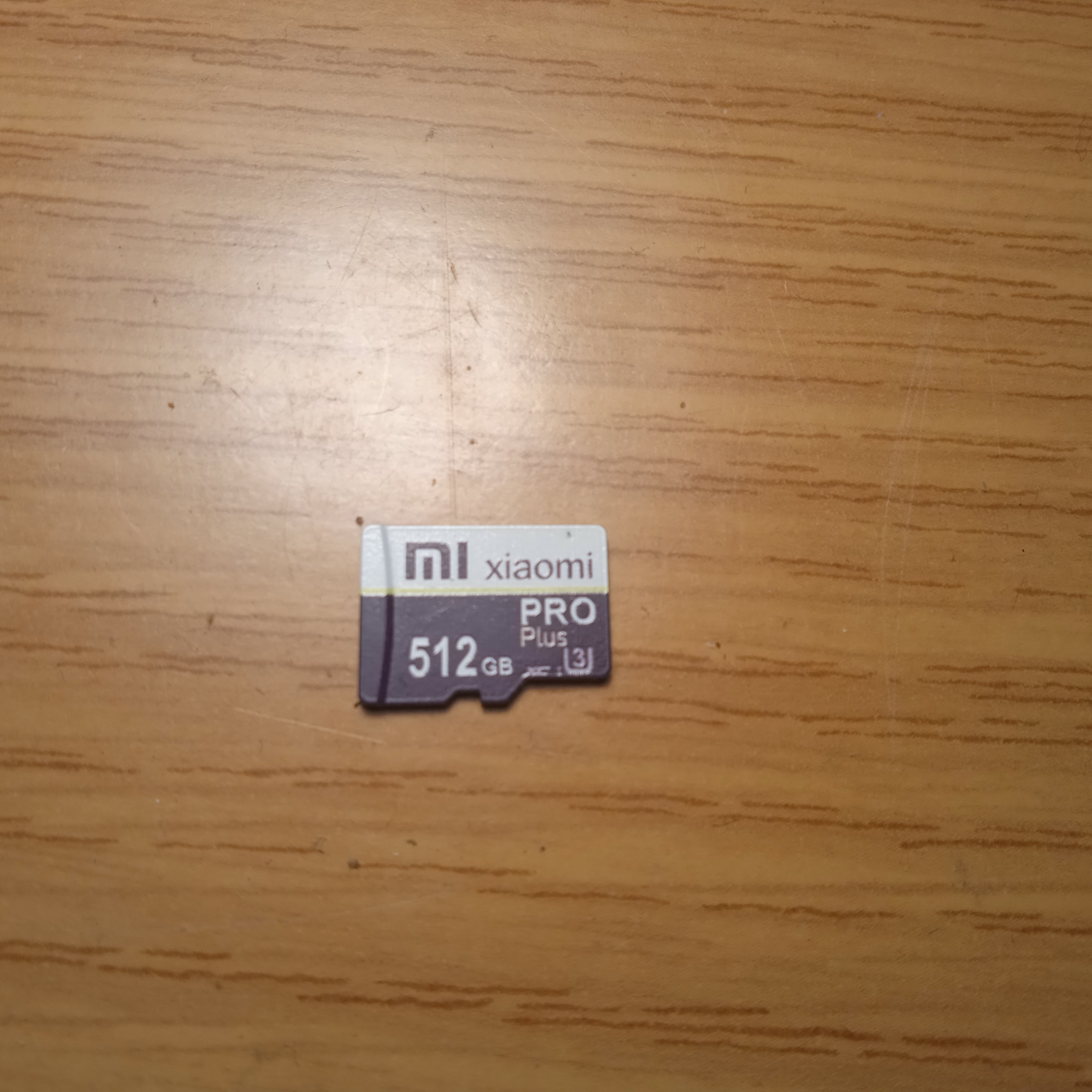
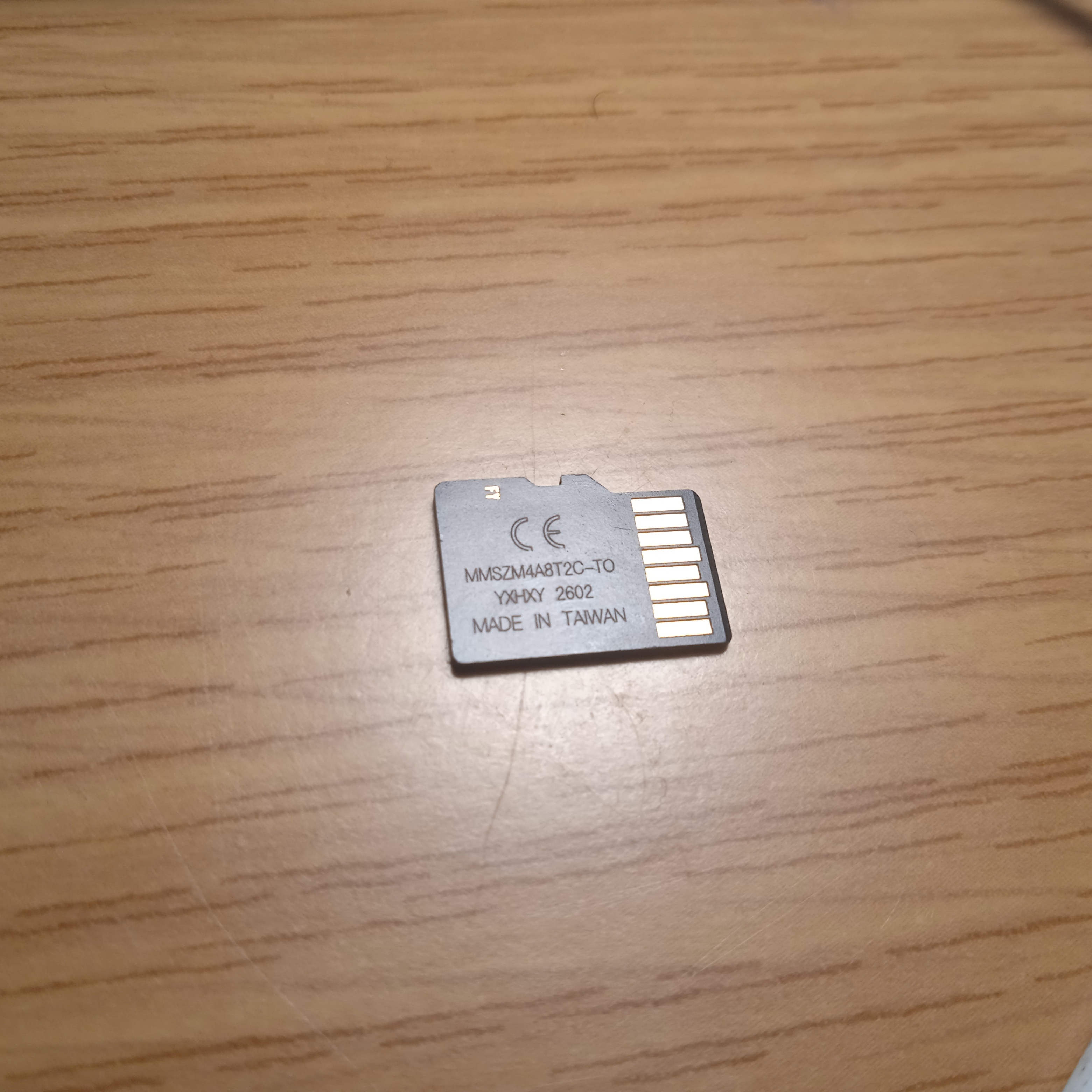
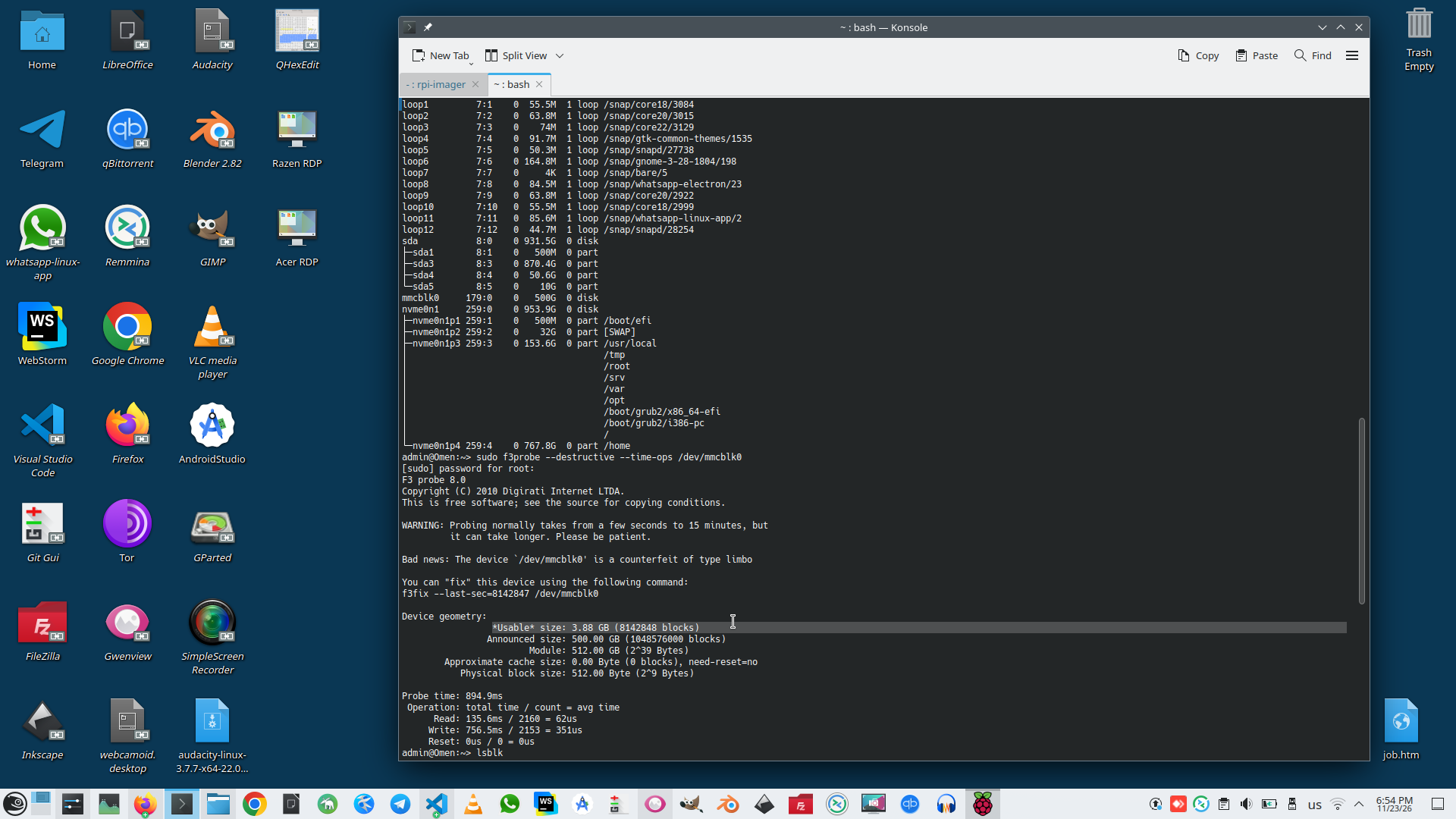
This means we must carefully check and prepare each memory:
List devices
# lsblk

Unmount the drive
# sudo umount /dev/sdb1

Wipe all file system signatures and partition table (thorough cleanup)
# sudo wipefs -a /dev/sdb

Create a new MBR partition table
# sudo parted /dev/sdb --script mklabel msdos

Create a new partition occupying the entire drive
# sudo parted /dev/sdb --script mkpart primary fat32 1MiB 100%

Format as FAT32
# sudo mkfs.vfat -F 32 /dev/sdb1

Safely eject
# sudo eject /dev/sdb

Check memory
# sudo zypper install f3probe
# sudo f3probe --destructive --time-ops /dev/sdX
Linux context:
Comments (
 )
)
Link to this page:
http://www.vb-net.com/DamagedMemory/Index.htm
|
|